Download the 8WWW App — Play Casino, Cricket & Crash on Your Phone
The 8WWW app brings the full casino and sportsbook experience directly to your Android device. Faster page loads, push notifications for live odds, and one-tap deposits via bKash or Nagad — all in a single 41 MB file you can install right now.
- Version
- 2.6.14
- Size
- 41 MB
- Android
- 8.0+
- Price
- Free
8WWW APK
How to Install the App on Android
Android doesn't allow APK files from outside the Play Store by default. Follow these five steps and the whole process takes under three minutes.
-
1
Allow installation from unknown sources
Go to your phone's Settings, tap Security (or Privacy on newer Android), and switch on Install Unknown Apps. On Android 10 and above, your browser — usually Chrome — needs this permission individually. Tap the browser name in the list and enable it. This step is a one-time action and your phone stays protected.
-
2
Download the APK file
Tap the Download APK button on this page. Your browser will save the file
8www4.apkto your Downloads folder. The file is 41 MB, so it finishes in a few seconds on a typical mobile connection. If your browser asks whether to keep the file, choose Keep or Download anyway. -
3
Open the APK and start installation
Open your Notifications panel and tap the finished download, or open your Files app and navigate to the Downloads folder. Tap
8www4.apk. Android will show an installation screen listing the permissions the app needs — camera access is not required. Tap Install and wait a few seconds. -
4
Launch the app and log in or register
Once installed, you'll see the 8WWW icon on your home screen. Tap it to launch. If you already have an account, enter your phone number and password on the login screen. New players can register directly from the app — tap Register, fill in your details and verify your phone number. The whole sign-up takes about two minutes.
-
5
Make a deposit and start playing
Go to the Deposit tab, choose bKash, Nagad, Rocket, Upay or Bank Transfer, and enter an amount of at least ৳300. Funds arrive in your account within two minutes. Your first deposit qualifies for the welcome bonus — the app shows the offer automatically at the payment screen. Check the bonus terms before confirming the deposit.
Using an iPhone? Add 8WWW to Your Home Screen
Apple does not allow APK installation on iOS. The best option is to save our mobile site as a home screen shortcut — it behaves almost like a native app and updates automatically.
-
1
Open Safari on your iPhone
Visit 8www4.biz in Safari. Other browsers like Chrome on iOS cannot add home screen shortcuts, so Safari is required for this to work.
-
2
Tap the Share icon at the bottom
It looks like a box with an arrow pointing upward. If you don't see it, scroll up slightly — Safari hides the toolbar when you scroll down.
-
3
Select "Add to Home Screen"
Scroll down the Share sheet until you see this option. Tap it. You can rename the shortcut to "8WWW" if you like, then tap Add in the top-right corner.
-
4
Open from your home screen
The 8WWW icon now appears on your iPhone home screen. Tap it to open the site in a full-screen view without the Safari address bar. Log in and play as normal.
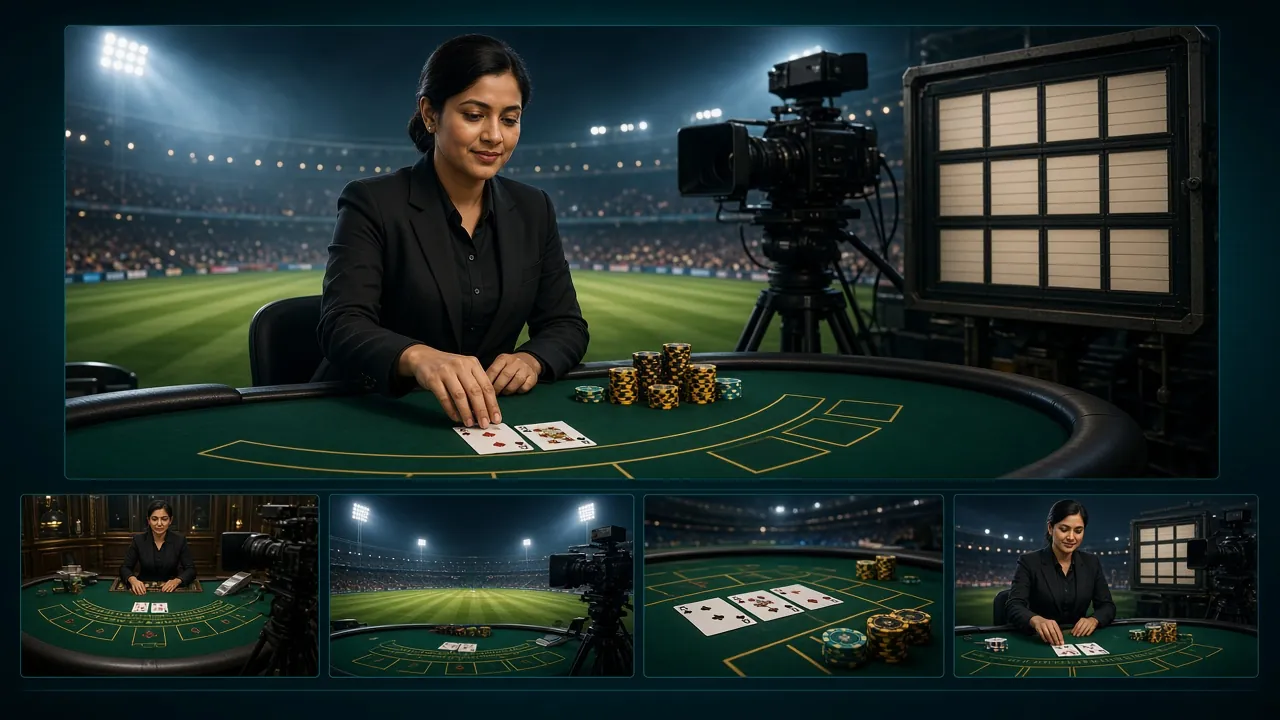
What You Can Do Inside the App
View CasinoEvery feature available on the desktop site is accessible in the app. Here is what Bangladesh players use most.
Live Casino with Real Dealers
Connect to live Baccarat, Roulette and Teen Patti tables hosted by Evolution and Ezugi. Streams are compressed for mobile data, so a standard 4G connection handles smooth video without buffering. Bet from ৳5 on Mini Baccarat or up to ৳50,000 on European Roulette — the full table range is available in the app.
Slots from Six Providers
CQ9, KA Gaming, JDB, Spribe and Ezugi slots all run natively in the 8WWW app. The touch controls are optimised so spinning reels respond faster than in a browser tab. Games like Monster Plinko (CQ9) and Rise of Apollo (KA Gaming) are some of the most-played titles — min bet from ৳1, max up to ৳50,000.
Crash Games — Aviator Style
Crash Goal by Evolution is the standout Crash title. The multiplier climbs from 1× and you cash out before it crashes. The app gives you a persistent auto-cashout setting so you don't have to tap every round. Minimum bet is ৳2 and the maximum is ৳50,000. The game runs at a steady frame rate even on mid-range Android phones.
Cricket & Sports Betting
BPL, IPL, T20 World Cup and ODI series are listed in the sports section with live in-play markets. The app shows updated odds in real time and sends push notifications when match odds shift significantly. Deposit with bKash in under two minutes and have your stake ready before the toss. See the BPL betting guide for market breakdowns.
Instant bKash & Nagad Deposits
The deposit screen in the app lists bKash, Nagad, Rocket, Upay and Bank Transfer. You tap your method, enter the amount (minimum ৳300), confirm in your mobile banking app, and funds arrive within two minutes. Withdrawals go back to your mobile wallet within 37 minutes on average. The minimum withdrawal is ৳800.
Push Notifications & Promotions
Enable notifications once during setup and the 8WWW app alerts you to reload bonuses, daily cashback credits and live match events. The reload bonus gives you 19% extra on top-ups. Daily cashback of 1.2% is calculated automatically and credited to your balance each morning. No manual claim needed — the app handles it.


Two of the most-played games in the app
Mini Baccarat and Crash Goal are consistently the top-played games among Bangladesh players on the 8WWW platform. Both are available across the full bet range and run smoothly on Android 8.0 and above.
8WWW App vs Website — What Actually Differs
Both the app and the browser version give you access to the same games, bonuses and payment methods. The differences are about speed, convenience and notifications.
| Feature | 8WWW App (Android APK) | Mobile Website (Browser) |
|---|---|---|
| Page load speed | Faster — cached assets, no browser overhead | Slightly slower — reloads on each visit |
| Push notifications | Yes — live odds, bonus credits, reload alerts | Not available |
| Auto-cashout (Crash) | Persistent setting saved across sessions | Set per session only |
| Game library | Full — all 3,000 games available | Full — same game library |
| bKash / Nagad deposit | One-tap handoff to banking app | Works but requires copy-pasting numbers |
| Home screen access | Native icon, no browser needed | Shortcut possible (Safari on iOS) |
| Storage required | 41 MB on device | No local storage, uses data each visit |
| Updates | Manual — download new APK when prompted | Automatic — always latest version |
| Bonuses & promotions | Same — identical bonus terms on both platforms | Same |
| iOS support | Android only (APK) | Works on iPhone via Safari |
Want a deeper breakdown? Read the full App vs Website guide.
Version & System Requirements
Check these specs before downloading. The app is light enough to run well on most Android phones sold in Bangladesh since 2019.
| Field | Detail |
|---|---|
| App version | 2.6.14 |
| File name | 8www4.apk |
| File size | 41 MB |
| Minimum Android | Android 8.0 (Oreo) |
| Last updated | 14 November 2026 |
| Price | Free |
| Languages | English, Bangla |
| iOS version | Not available — use Safari shortcut instead |
Ready to install?
Tap the button below to download the APK directly to your Android device. No account needed to download — but you will need to register before you can play.
Download 8www4.apkDon't have an account yet? Register free and claim your welcome bonus after your first deposit.
Is the 8WWW App Safe? Permissions & Security Explained
Installing an APK outside the Play Store raises reasonable questions. Here is exactly what the app does and doesn't do on your device.
HTTPS encryption on all connections
Every communication between the 8WWW app and our servers uses TLS encryption — the same standard your bank uses. Your login credentials, payment details and game data are never sent in plain text. The app enforces certificate pinning, so a fake network cannot intercept your session.
Minimal permissions requested
The app asks for internet access and notification permission. It does not request access to your camera, microphone, contacts, SMS, or storage beyond its own app folder. You can verify the permissions list yourself in Android Settings under Apps before granting anything. Camera and location are never required at any point.
Download only from this official URL
The only safe source for the 8WWW APK is the download link on this page: 8www4.biz/8www4-app/. Files from third-party APK sites or Telegram groups may be tampered with. If you received a download link from someone else, ignore it and use the button on this page instead. Check the file size matches 41 MB after downloading.
Account security: two-factor options
Your 8WWW account uses phone-number verification during registration. Never share your password or OTP with anyone — our support team will never ask for these. If you think your account has been accessed without your permission, go to Account Settings and change your password immediately, then contact live chat support available 24/7.
Common Installation Problems — and How to Fix Them
Most installation issues have a straightforward fix. Check the table below before contacting support.
| Problem | Likely Cause | Fix |
|---|---|---|
| "Install blocked" message appears | Unknown sources not enabled for your browser or file manager | Go to Settings → Security → Install Unknown Apps. Find your browser in the list and toggle it on. Try opening the APK again. On Samsung phones this setting is under Biometrics and Security. |
| App installs but crashes on launch | Android version below 8.0, or low available RAM | Check your Android version in Settings → About Phone. If it's below 8.0, the app won't run. Close all background apps to free RAM and try launching again. A phone restart before installation also helps clear corrupted cache files. |
| Download stops halfway | Weak mobile data signal or insufficient storage | Make sure you have at least 100 MB of free storage (the APK is 41 MB but needs unpacking space). Switch to Wi-Fi or move to a better signal area. Clear your browser cache and start the download again from this page. |
| "Parse error" during installation | Download was interrupted and the file is incomplete | Delete the incomplete APK file from your Downloads folder. Return to this page and download it fresh. Do not try to resume an interrupted download — the file must be downloaded fully in one session. Check the file size is exactly 41 MB before tapping it. |
| Login not working after installation | Incorrect credentials or account not yet registered | Double-check your phone number format — use the full Bangladesh number without the leading zero (e.g., 1XXXXXXXXX). If you haven't registered yet, tap Register on the app's start screen. For a forgotten password, use the Reset option on the login page. |
Still stuck? Our 24/7 live chat support team can walk you through the installation in real time.
Get the 8WWW APK — Install in Under Three Minutes
-
Faster loads, fewer taps
The native app caches game assets locally so lobby pages open instantly — no waiting for scripts to load on every visit.
-
Push notifications for live odds
Get alerts when BPL or IPL live odds shift, when your withdrawal is processed, or when a reload bonus goes live.
-
One-tap bKash & Nagad deposits
Deposit from ৳300 in under 2 minutes. The app keeps your preferred payment method saved so checkout is a single tap.
-
Secure & lightweight
Just 41 MB, runs on Android 8.0+. The APK is scanned before every release — no ads, no bloatware, no background data drain.
Scan with your phone camera
to download directly
Frequently Asked Questions About the App
1 Is the 8WWW APK file safe to download and install?
2 My phone says the app is blocked. What should I do?
3 How do I update the 8WWW app when a new version comes out?
4 Does the 8WWW app work on iPhone or iPad?
5 Can I use the same account on both the app and the website?
6 Are the bonuses the same in the app as on the website?
7 What is the minimum deposit I can make through the app?
Get the App and Start Playing Today
Download the free APK, install in under three minutes, deposit from ৳300 via bKash or Nagad, and claim your welcome bonus. Everything works on Android 8.0 and above.